Make a music hook video in 30 seconds
Upload a track, tap through five quick questions, and get a beat-synced hook video for TikTok, Reels or Shorts. Want full control instead? The full editor is one tap away, any time.
⚡ Try the Quick Wizard freeHow the Quick Wizard works
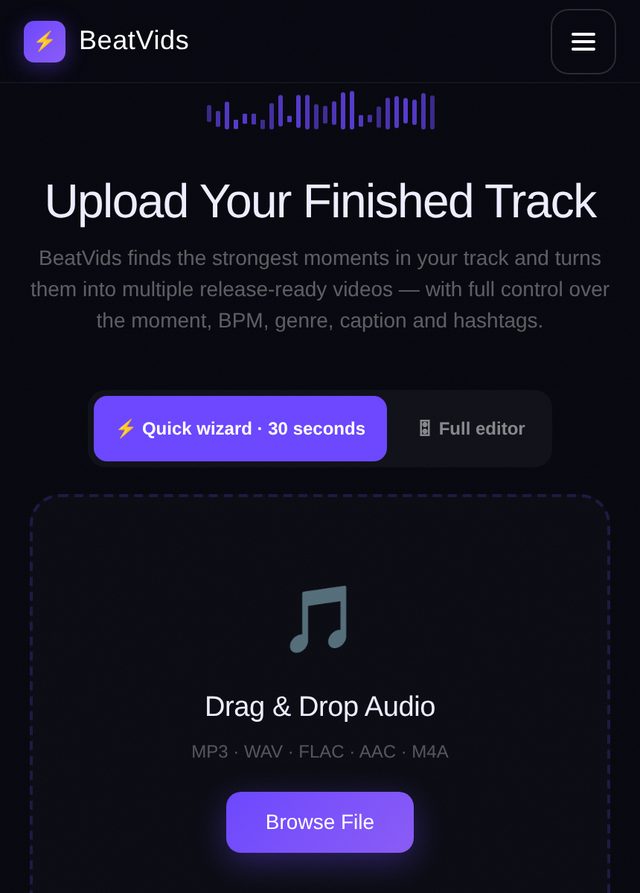
Upload your track
Drop in an MP3, WAV, FLAC, AAC or M4A. Keep “Quick wizard” selected. BeatVids finds the strongest moment, the BPM and the likely genre for you. Your audio is analysed in your browser.
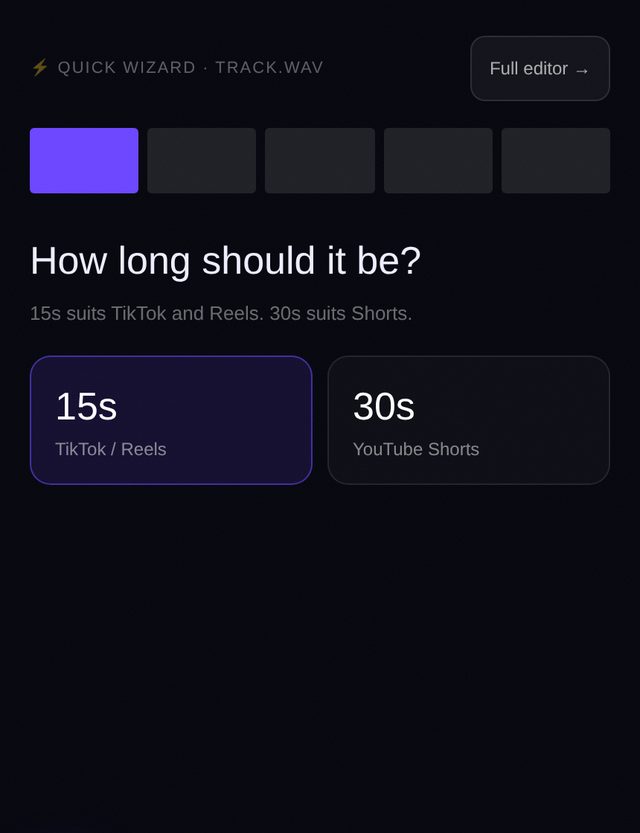
Pick a length
15 seconds suits TikTok and Reels. 30 seconds suits YouTube Shorts. One tap moves you on.
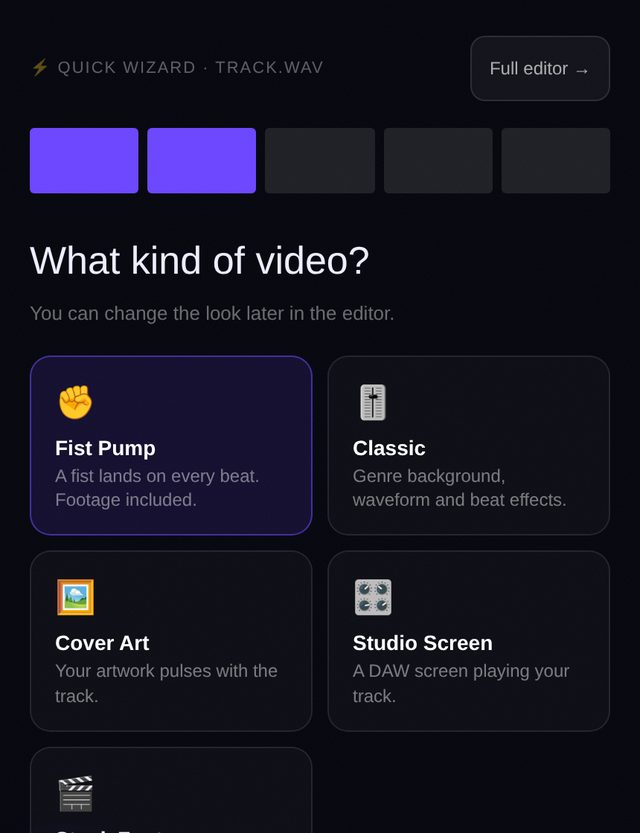
Choose the look
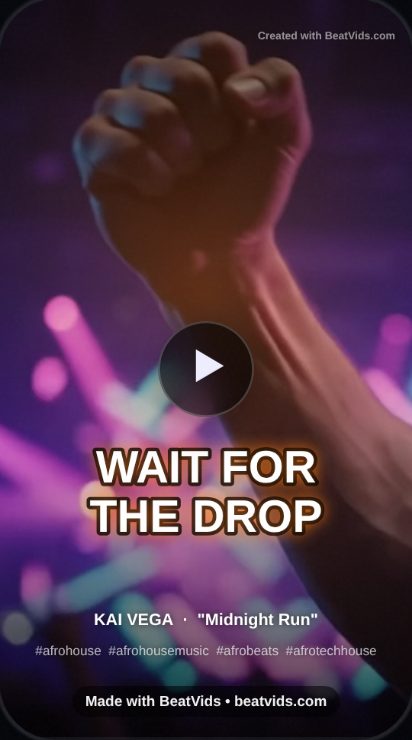
Fist Pump, Classic, Cover Art, Studio Screen or Stock Footage. Fist Pump needs nothing from you: the footage is included and the fist lands on the beat. Cover Art needs an image (you can add one in step 6).
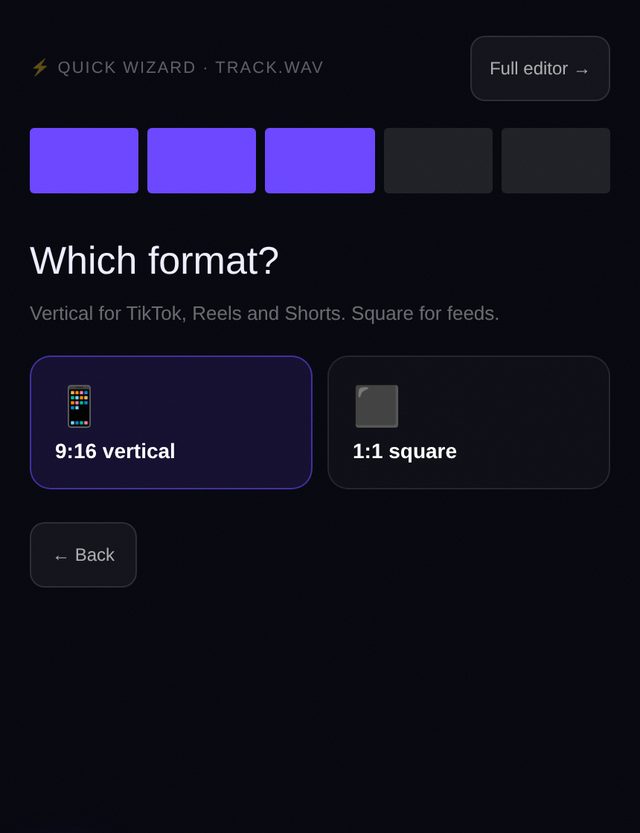
Choose the format
9:16 vertical is for TikTok, Reels and Shorts. 1:1 square is for feed posts.
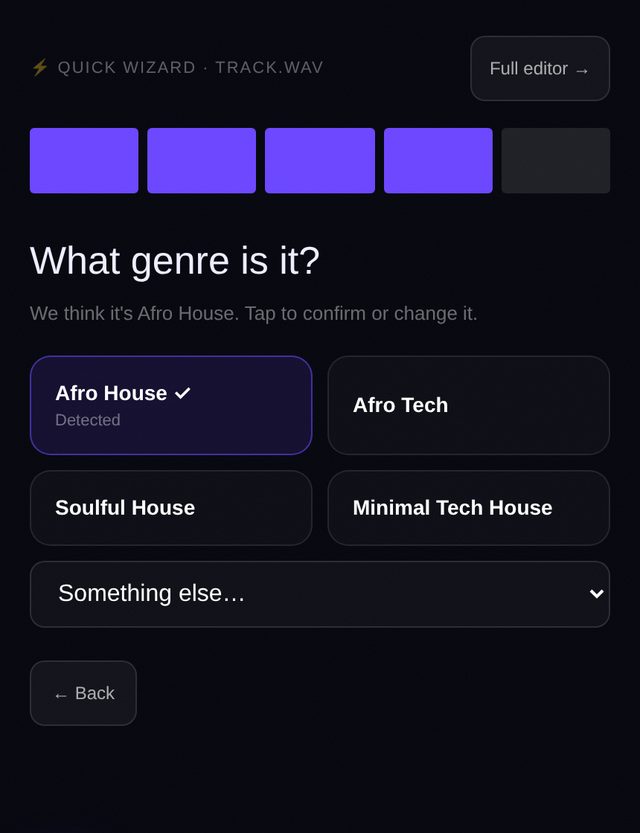
Confirm the genre
We show what we detected plus the closest alternatives. If it is wrong, tap the right one or open “Something else…”. The caption and hashtags follow the genre you pick.
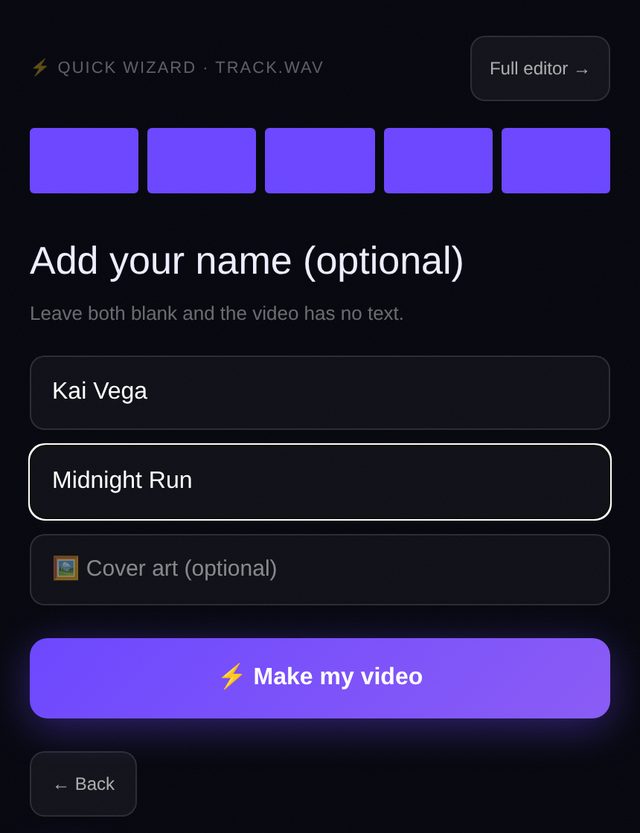
Add your name (optional)
Type an artist name and a track title, and add cover art if you like. Leave them blank and your video has no text at all. Then tap “Make my video”.
Your video is ready
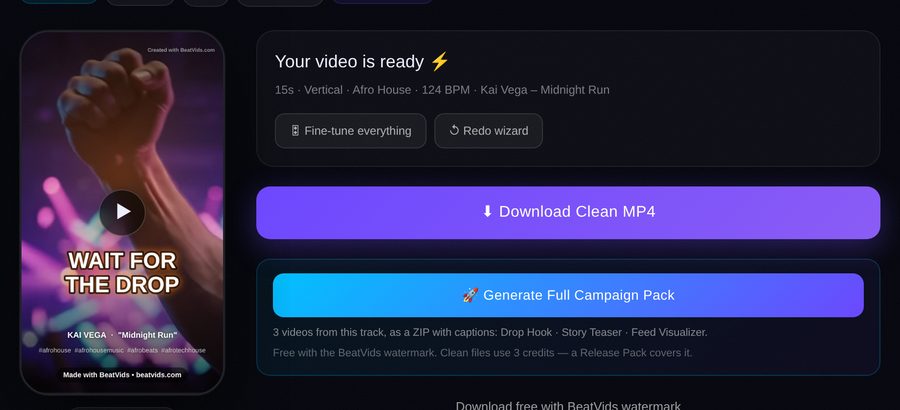
Preview it, then download. Free exports carry a small BeatVids watermark; a clean, watermark-free MP4 is $2.99 one-time, no subscription. Not quite right? Tap Fine-tune everything to open the full editor with your choices already applied, or Redo wizard to start over.
Looks you can pick
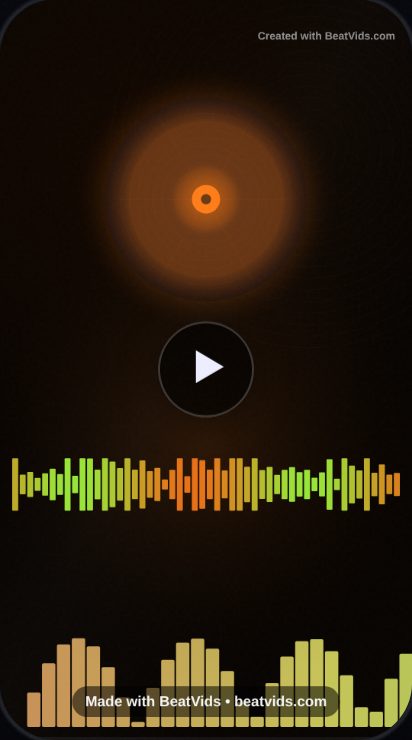
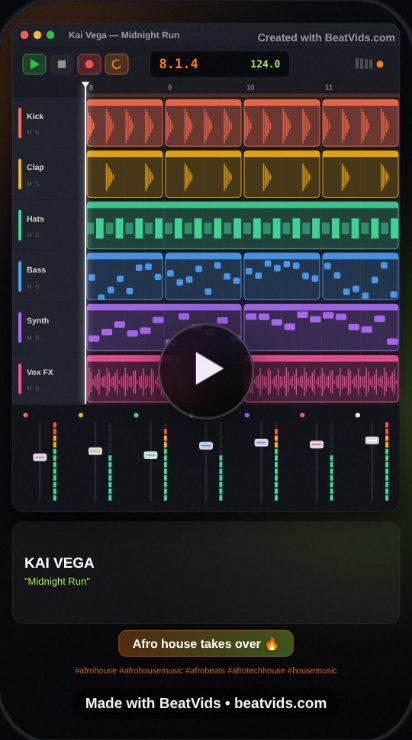
More templates in the full editor
Open the Templates section in the full editor for these. They use your own footage or photos, which stay in your browser and are never uploaded.
- Hook + Footage — One bold line over footage that hits on the beat. Use your own clip or genre-matched stock footage.
- Wall of Text — A block of words over a clip while your track plays. No editing needed.
- Photo Flipbook — Photos flip on the beat. Add your own photos; they stay in your browser.
- Beat-Cut Montage — Fast cuts between your own clips every one or two beats.
- Performance Clip — Your own footage at natural speed with a pulse on every beat.
Tips for better hook videos
- Keep it to 15 seconds for TikTok and Reels. Use 30 seconds for Shorts.
- Check the genre step. The right genre gives better hashtags and a caption that fits.
- Use the full editor to move the hook to a different moment if the first one isn’t the best part of your track.
- Post the video, then make a second one in another look or format from the same track.